
R2, D1 and KV, without opening a laptop.
Run SQL against a D1 database, find an object in an R2 bucket or fix a KV value from wherever you are. Your data travels between your device and Cloudflare, and nowhere else.
plan Browsing storage is free and read-only. Uploads, writes, edits and deletes come with Clouder Pro, which adds full R2, D1 and KV management.


D1 databases and SQL
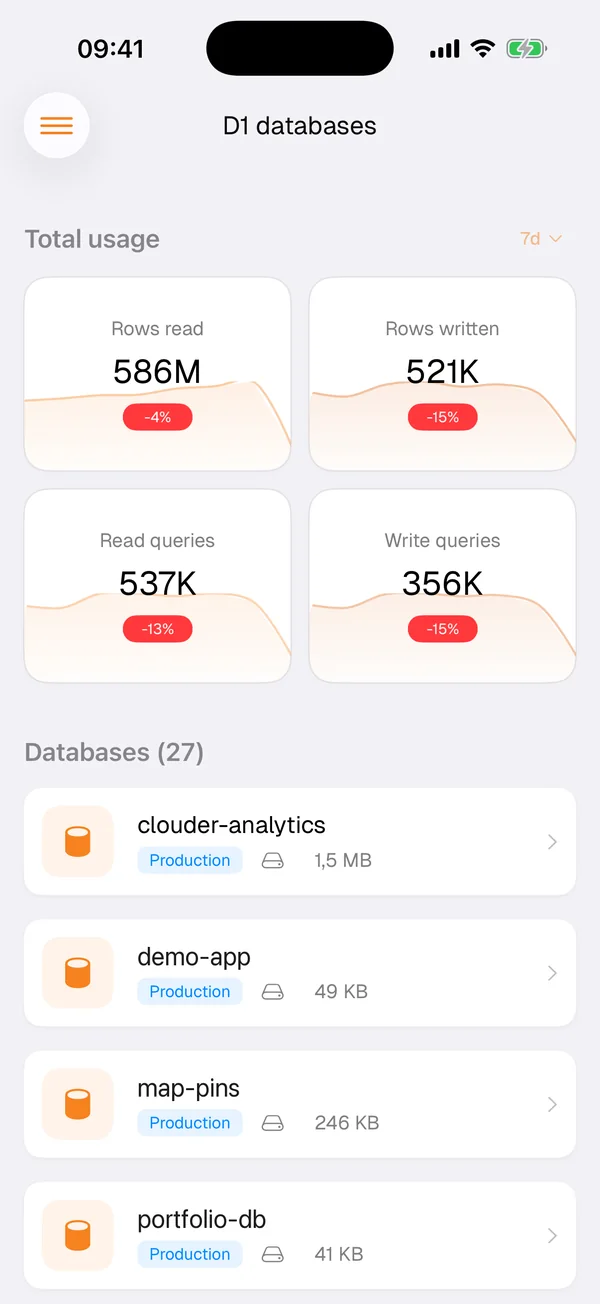
The D1 screen opens with usage across all your databases: rows read, rows written, read queries and write queries over the period you pick, each with its trend. Below that is every database with its size.
Open a database to browse its tables, run SQL and read the results. It is enough to answer the questions that come up away from your desk: how many signups arrived today, whether last night's migration added the new column, which pages got the most views.
SELECT path, COUNT(*) AS views
FROM page_views
WHERE day = '2026-10-03'
GROUP BY path
ORDER BY views DESC
LIMIT 3;
The query console, recreated from the app: an example query that counts today's page views by path, run in read-only mode, with the rows read and the time it took.
The usage numbers are worth a glance on their own. A sudden jump in rows read often means a query lost its index or started running in a loop, and it is better to find that in the morning than on the invoice.
R2 buckets and objects
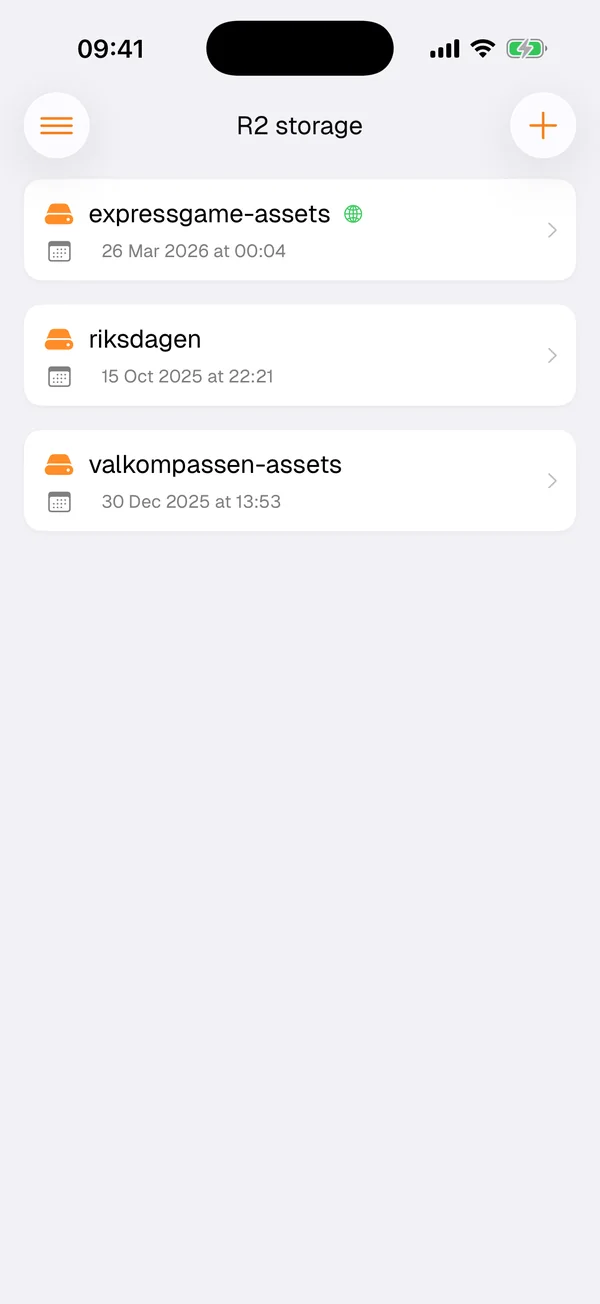
R2 lists your buckets with the date each one was created. Inside a bucket you can move through folders, preview files, download an object to your phone or upload one from it.
A bucket you no longer use can be deleted once it is empty, so a cleanup does not have to wait until you are back at a laptop.
KV namespaces
Browse your KV namespaces, look up a key and read its value, then edit it or delete it. It helps when a Worker reads a feature flag or a piece of configuration from KV and you need to change it now, not after your commute.
Your data stays yours
Object contents, KV values and database rows travel only between your device and Cloudflare. The privacy policy states that Clouder does not collect them, and they are not sent to the Clouder Agent either: when you ask it about storage, it works from names and configuration, not from your data.
The scoped token Clouder creates for itself covers R2, KV and D1. If you sign in with a token of your own, the token permissions checklist in the app shows which of these it reaches and what to add.
Free and Pro
Free
- Browse R2 buckets, D1 databases and KV namespaces
- Read-only, so nothing changes by accident
Clouder Pro
- Full R2, D1 and KV management
- Uploads, SQL that writes, key edits and deletes
Before you run a query
D1 runs your SQL the moment you send it, and there is no undo in the app. A DELETE without a WHERE clause removes every row, and DROP TABLE is permanent. Deleted R2 objects cannot be recovered either.
Export what you cannot afford to lose before you change it, and read SQL carefully before you run it, including any SQL an AI wrote for you. The production agreement lists the operations that cannot be reversed.
Try it on your own account.
Free on iPhone, iPad and Android. Not affiliated with Cloudflare, Inc.