
Clouder, an app for Cloudflare on Android phones and tablets.
Check on your Workers, update DNS and ask the Clouder Agent about your account from an Android phone. Clouder covers the same Cloudflare products as on iPhone, with layouts that adapt to tablets.
plan Free on Google Play, with Clouder Pro as an in-app purchase. 1K+ downloads as of October 2026.


Built for Android
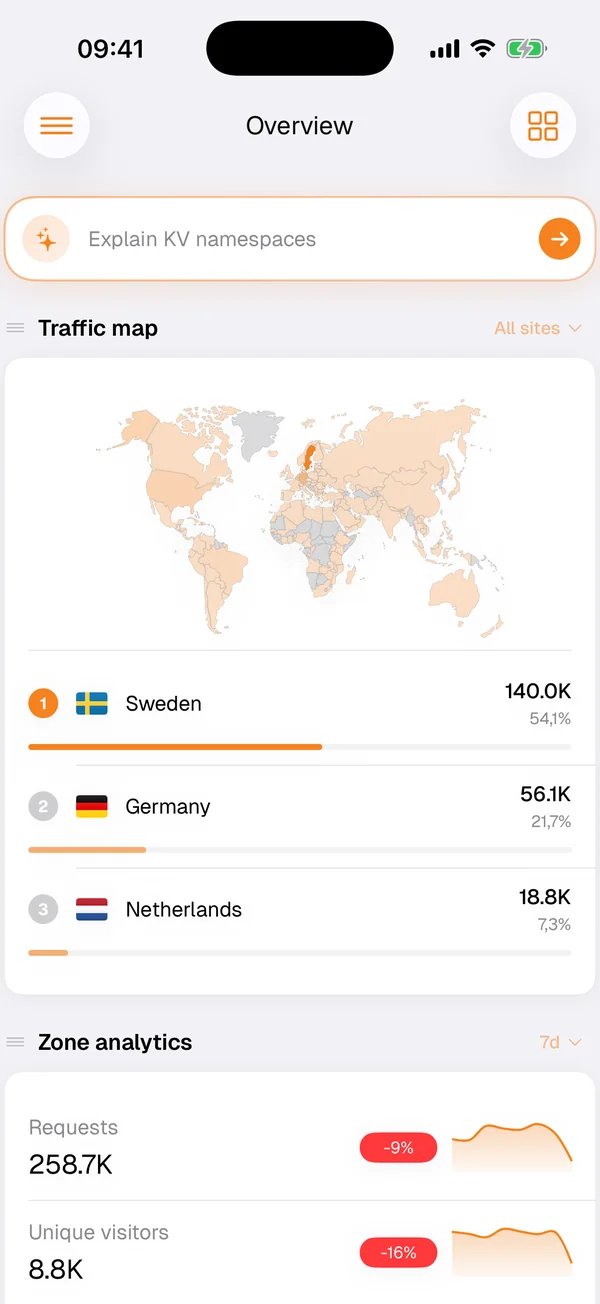
Clouder on Android has adaptive layouts that make use of a tablet's extra room, home screen widgets, dashboards you can customize, and support for several Cloudflare accounts. It is available in 43 languages.
Push notifications cover infrastructure events and detected incidents, and notification policies decide which of them reach you. Widgets and notifications are part of the free tier.
Incidents in an ongoing notification
With Clouder Pro, Clouder watches your zones and spots unusual traffic and origin errors on its own. It opens an incident, builds a timeline of what happened and when, and keeps you informed in an ongoing notification that updates as the incident develops.
From the alert you can go straight to the fixes that matter in the first minutes: Under Attack mode, a cache purge, or resolving the incident once traffic is back to normal.
What it covers
- Workers and Pages
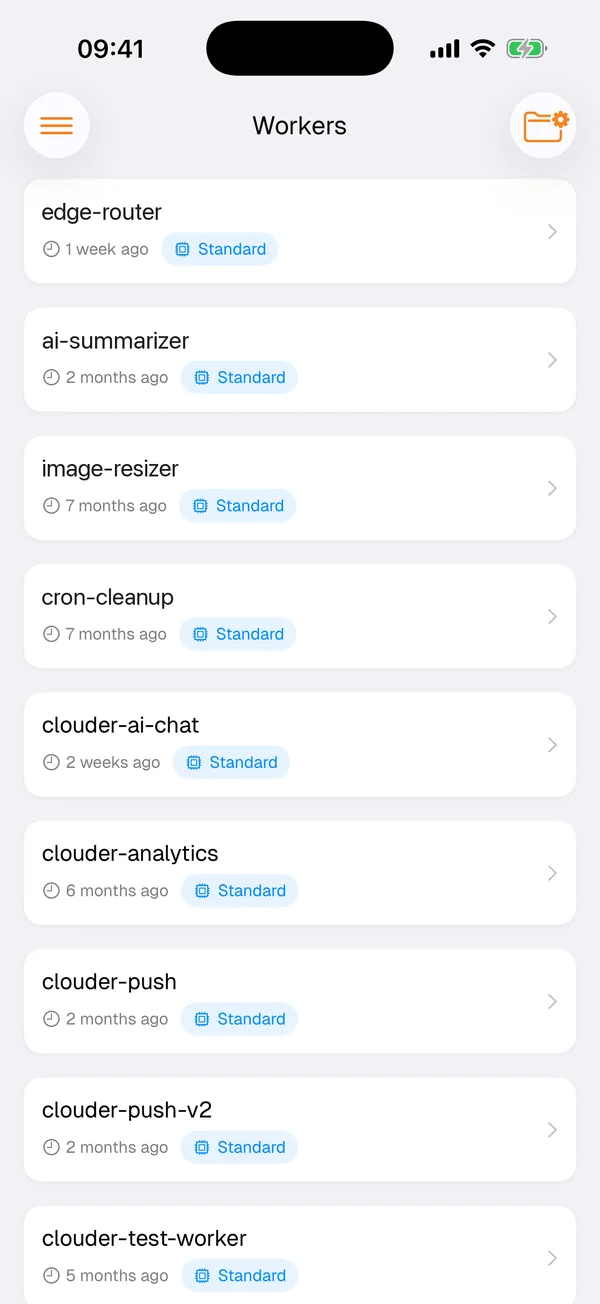
- Worker logs and execution metrics, Pages deployments and build status.
- DNS
- Records across your zones, Email Routing with a catch-all, load balancing pools and monitors.
- R2, D1 and KV
- Uploads and downloads in R2, SQL in D1, keys and values in KV.
- WAF and security
- Firewall events, rulesets, SSL/TLS modes, edge certificates and Turnstile widgets.
- Zero Trust and Tunnels
- Access applications, Gateway rules, posture policies, devices, tunnels and routes.
- Analytics
- Traffic, bandwidth, requests and threats, plus Web Analytics with Core Web Vitals.
Stream and Images, Queues and Durable Objects, and Workers AI with Vectorize are covered too. The features overview has the full list.
Credentials stay on the device
Your Cloudflare credentials are stored only on your phone or tablet, and API calls go directly to Cloudflare's servers. Clouder is an independent app and is not affiliated with Cloudflare, Inc. The security page explains how sign-in and tokens work, and which services optional features such as push alerts and the agent rely on.
Clouder Pro on Android
The free tier gives read-only access to resources and configurations. Clouder Pro, an in-app purchase on Google Play, adds read and write access across Cloudflare services, Worker deploys and DNS updates, the Clouder Agent, live incident monitoring, multi-account support and full R2, D1 and KV management, among others. See everything in Free and Pro.
Getting started
Install Clouder from Google Play, connect your Cloudflare account and start with a look around: the free tier is read-only, so nothing changes until you decide it should. When you are ready to make changes, Clouder Pro unlocks write access.
The guide to Cloudflare on mobile covers which changes suit a phone, how to scope a token and when the dashboard is still the better tool.
Try it on your own account.
Free on iPhone, iPad and Android. Not affiliated with Cloudflare, Inc.