
Clouder, an app for Cloudflare made for iPhone and iPad.
Clouder is a native, independent iOS app for the Cloudflare products you run, from Workers and DNS to Zero Trust. It leans on what an iPhone does well: notifications, widgets, the Lock Screen and a Keychain that keeps your tokens on one device.
requires iOS 18 or later. Free on the App Store, with Clouder Pro as an in-app purchase.


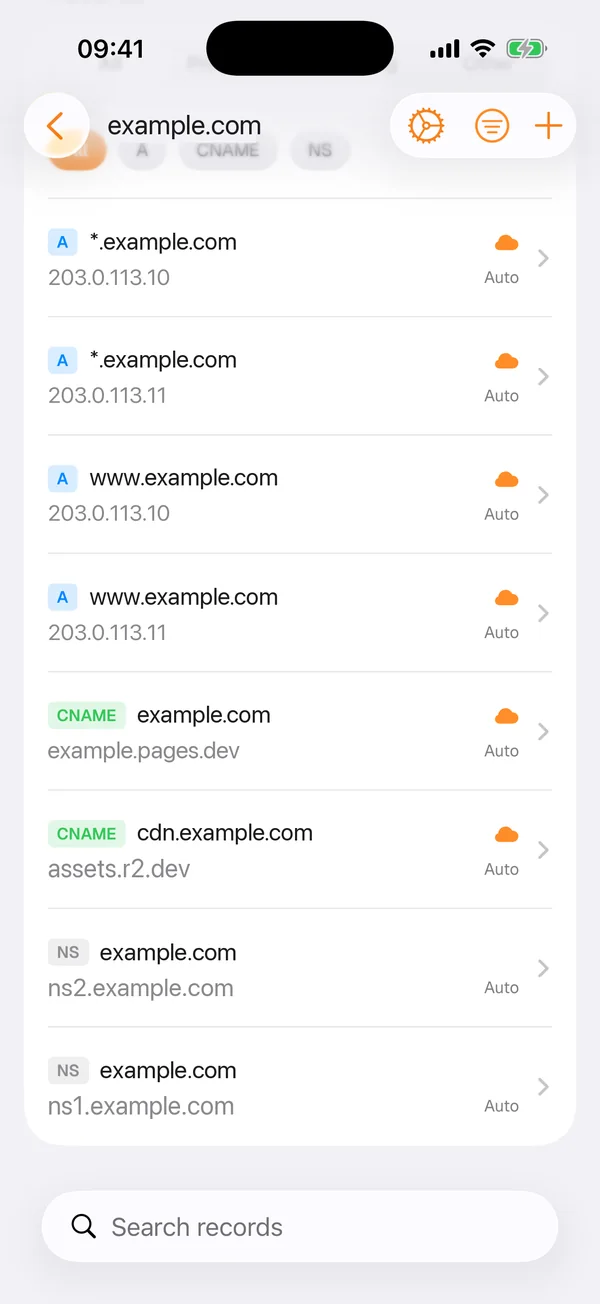
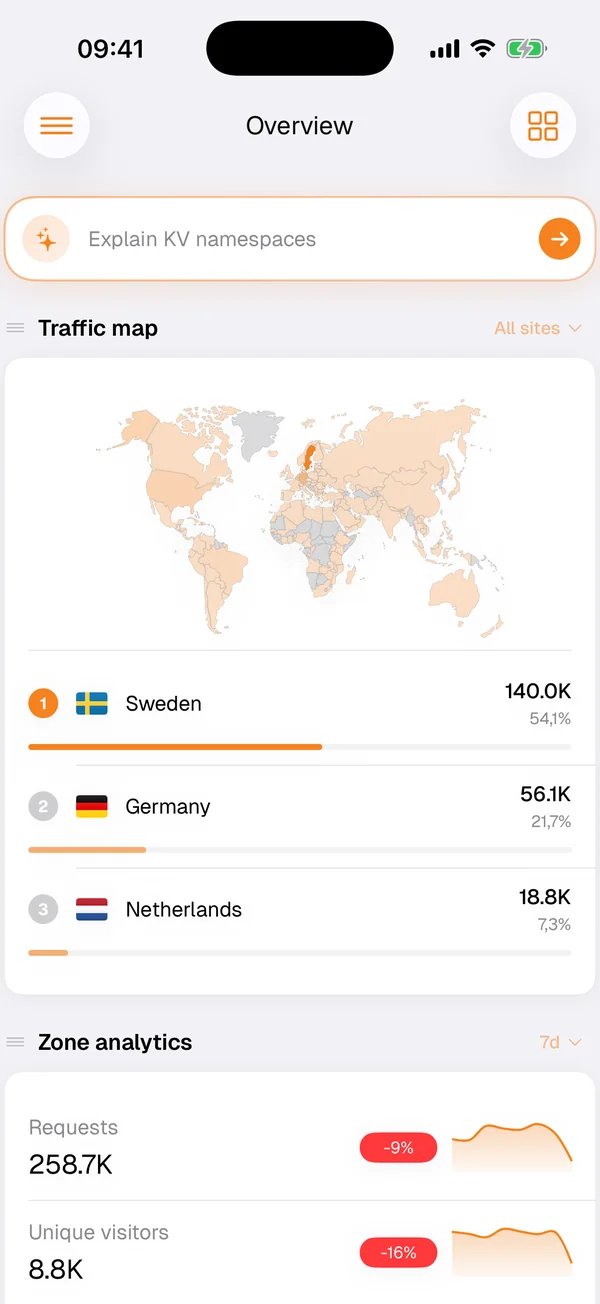
What you need
An iPhone or iPad with iOS 18 or later, and a Cloudflare account. Clouder is one app for both devices, listed under Developer Tools on the App Store, and it is available in more than 35 languages.
It first came out in December 2025, as the launch post describes. Version 3.2.10 was released on September 30, 2026, and in October 2026 the app is rated 4.7 on the US App Store.
Widgets, alerts and the Lock Screen
Home Screen widgets and push notifications are part of the free tier, so you can keep an eye on your account without opening the app and hear about infrastructure events as they happen. Notification policies decide which alerts you get.
With Clouder Pro, a live incident appears on the Lock Screen as a Live Activity, and you can follow it there while it develops. Open it to switch on Under Attack mode, purge the cache or resolve the incident. How live incidents work.
Tokens in the Keychain
Your Cloudflare tokens, and your own OpenAI key if you add one for the Clouder Agent, live in the iOS Keychain, pinned to this device. They never sync to iCloud Keychain and are never restored onto another device from a backup. If you paste a Global API Key or an Origin CA key where a token belongs, Clouder tells you what you pasted.
Deleting the app signs you out. iOS keeps an app's Keychain items after the app is deleted, where no other app can read them, and Clouder clears them the first time it starts after a reinstall. The security page covers tokens, storage and revoking access in full.
New in version 3.2.10
The September 2026 release added a long list of editors and settings. The highlights:
- IP access rules by address, range, country or ASN
- Custom WAF rules from a plain-language description
- Cache, origin and configuration rule editors
- Speed and network settings for each zone
- Worker routes per domain
- Health checks for your origin servers
- Cloudflare Access for tunnel hostnames
- The audit log, with values before and after
- DNS analytics and BIND zone files
- Tokens pinned to the device Keychain
It also fixed switching rate limiting rules on and off, and Under Attack mode now returns a zone to the security level it had before, instead of always setting it to high.
Clouder Pro on iOS
The free tier is read-only. Clouder Pro, an in-app purchase through the App Store, adds write access, the Clouder Agent, live incidents with Lock Screen Live Activities, several accounts and the rest of the list on the pricing page. On iPhone and iPad, Pro also lets you use your own OpenAI key with the agent.
Getting started
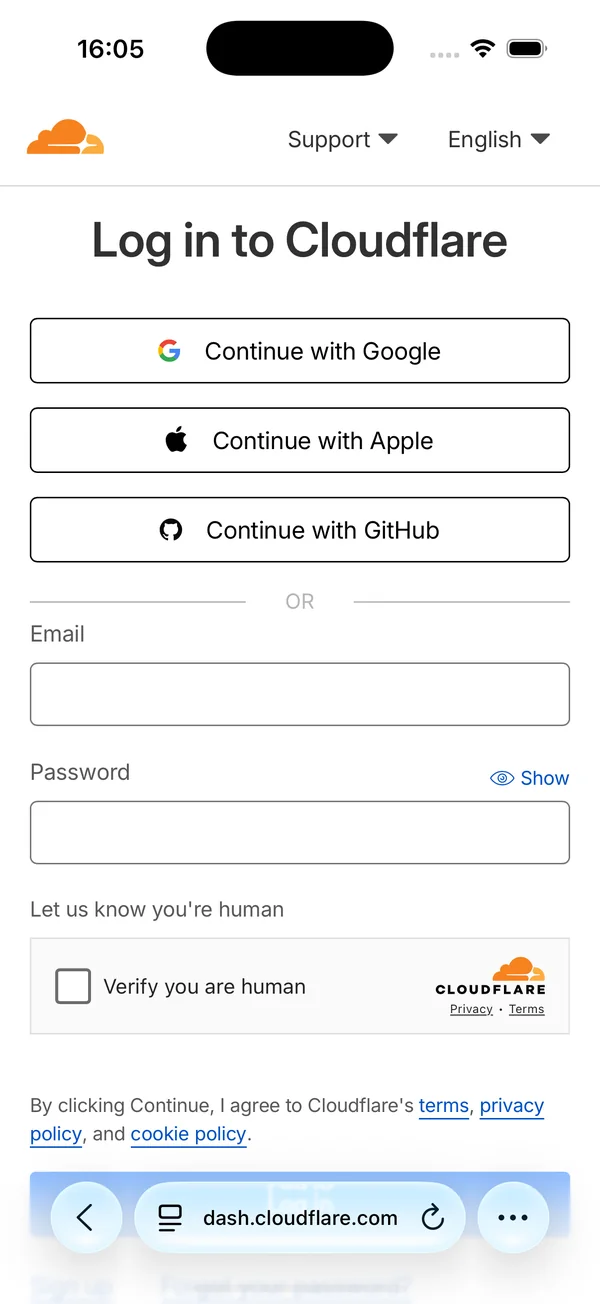
Install Clouder from the App Store and connect your Cloudflare account. When Clouder needs you to sign in to Cloudflare, it opens Cloudflare's own login page at dash.cloudflare.com, so your password goes to Cloudflare and not to Clouder.
You can also bring an API token scoped to exactly the permissions you choose. Clouder shows what the token covers and lets you re-check or replace it later without signing out.
New to running Cloudflare from a phone? The guide to Cloudflare on mobile covers what suits a phone and what to leave for a laptop.
Try it on your own account.
Free on iPhone, iPad and Android. Not affiliated with Cloudflare, Inc.